Affiliate Disclosure: We earn commissions from qualifying purchases through links on this page.
CrushOn AI Character Creation: Complete Tutorial with Expert Tips
Every character in CrushOn AI's 500,000+ library started as a blank character creation form. The difference between a character that generates 10,000 conversations and one nobody interacts with comes down to the quality of the character card. Building a character on CrushOn AI is free for all users — the tools are accessible, the format is flexible, and the character card system is more powerful than it first appears. This guide walks through the entire process from accessing the creator to advanced optimization techniques.
Accessing the Character Creator
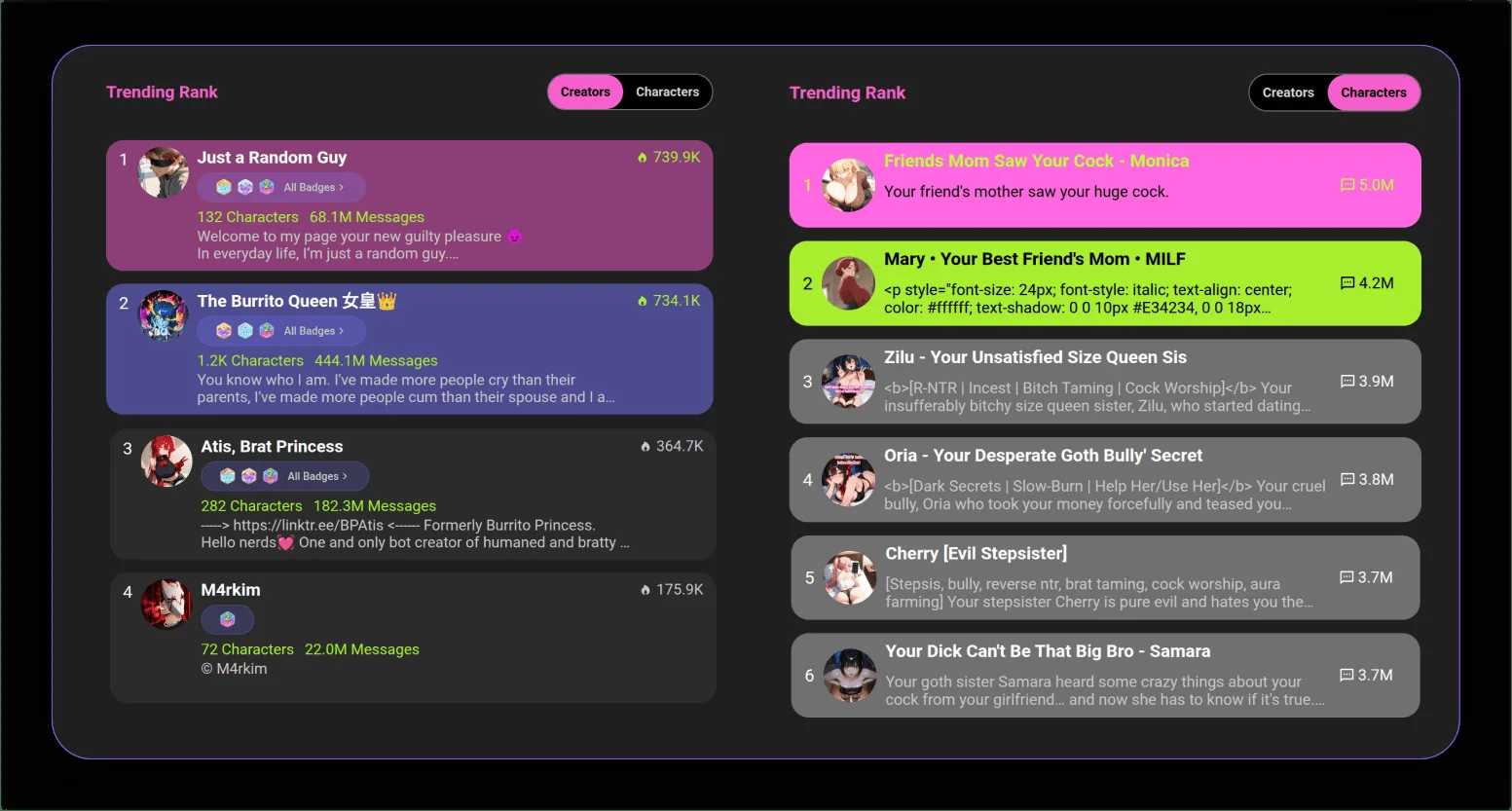
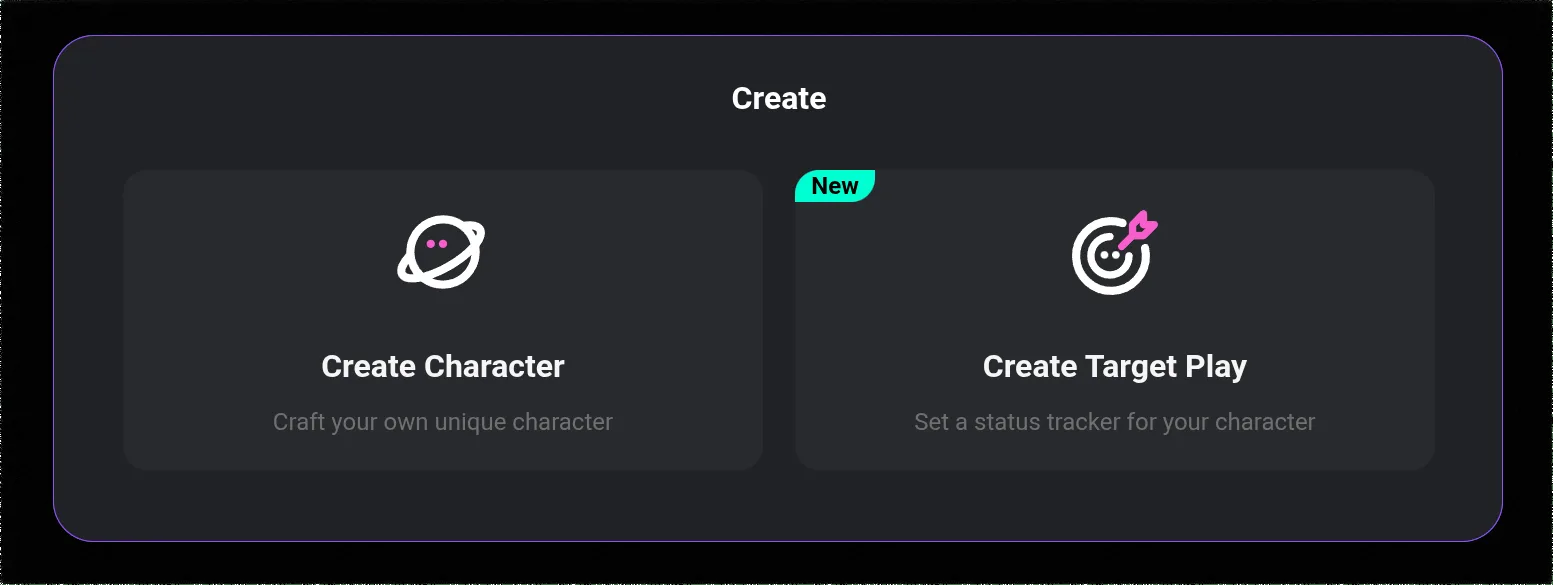
Log in to your CrushOn AI account at crushon.ai or through the mobile app. Find the character creation entry point through one of these paths:
- Left sidebar: Look for a "Create" icon (pencil or plus symbol) in the sidebar navigation
- Main feed: A "Create Character" button may appear at the top of the character browsing feed
- Profile menu: Some versions have character management in the Profile dropdown
The character creation interface opens a form with several sections. You do not need to complete everything before saving — characters can be edited and refined after the initial creation.
Core Character Card Fields
The character card is the instruction document that tells the AI how to portray your character. Each field serves a specific function.
Character Name
Choose a name that fits the character's genre and origin. Consistency matters — the AI will use the name throughout conversations and reference it when addressing the character. Consider phonetic distinctiveness: names that are easy to spell reduce typos during conversation.
Avatar Image
Upload a reference image or generate one using the platform's image tools. The avatar affects how your character appears in the browsing library and in conversation. While the image does not directly influence AI response quality, a compelling avatar increases the chances of users choosing your character from the library.
Genre and Category Tags
Tag your character accurately. Common categories include anime, fantasy, realistic, sci-fi, historical, romance, and horror. NSFW characters require appropriate content rating tags. Accurate tagging affects where your character appears in search and category browsing — incorrect tags reduce discoverability.
Personality Description (Critical Field)
This field has the highest impact on conversation quality. The AI uses this as its primary behavioral guide. Here is the distinction between descriptions that work and descriptions that do not.
Weak description: "She is kind, smart, and mysterious. She loves adventure."
Effective description: "She is deliberate and careful with trust — warm once you have earned her confidence, but guarded with strangers. She asks twice as many questions as she answers and has a habit of pausing mid-thought when she finds something genuinely interesting. Her humor surfaces as dry observation rather than jokes. She is ambitious in ways she does not discuss directly."
The effective version gives the AI behavioral patterns, verbal habits, and emotional tendencies — things it can actually implement in conversation.
Backstory
A 150-300 word backstory provides context anchors the AI can reference. Effective backstory elements:
- Geographic and cultural origin
- One or two formative events that explain current personality traits
- Current situation and environment
- Relevant relationships and history
- One unresolved tension or source of internal conflict
Internal conflict makes characters feel alive. A character who wants connection but fears vulnerability will behave differently than one who wants connection without that complication.
Initial Message / Greeting
The first message the character sends when a user starts a conversation. Write this as the character in their voice — not a description of what they will say. This message sets tone and demonstrates personality immediately.
Poor: "Hello! I'm [name]. I'm excited to meet you. What would you like to talk about?"
Better: "You came in from the west entrance. Most people use the main gate." [A pause, just long enough to be noticeable.] "Interesting."
The better version shows personality without describing it.
Writing Advanced Character Personalities
The following techniques separate characters that remain consistent across hundreds of conversations from ones that drift into generic AI behavior.
Define speech patterns explicitly
Tell the AI how the character speaks. Does the character use formal or casual vocabulary? Do they speak in complete sentences or fragments? Do they have verbal tics (pauses, specific phrases they repeat, questions that reflect character)? Do they use humor, and if so, what kind?
Example: "He speaks in complete sentences but edits himself mid-thought, often correcting a word to a more precise one. He never uses slang. When uncertain, he asks a clarifying question rather than guessing."
Include emotional response templates
Instead of just listing traits, describe how the character expresses those traits emotionally. Anger, joy, fear, and discomfort all manifest differently for different character types.
Example: "When anxious, she becomes very specific — she lists facts about the situation rather than expressing the anxiety directly. When genuinely happy, she laughs at things that are not quite funny yet."
Define explicit limits for consistency
If you want the character to maintain certain limits — topics they will not discuss, behavioral lines they will not cross, or roles they will not take — state them explicitly. "This character will not give advice about real-world situations." Or for NSFW characters: "This character does not break the fourth wall or acknowledge being an AI."
Add one contradiction
A single internal contradiction makes a character feel human. The stern mentor who collects small stuffed animals. The cynical character who cries at movies. Contradictions give the AI something to work with that produces memorable, unexpected moments.
Ready to try CrushOn AI?
Visit CrushOn AIPublishing and Managing Your Character
Private vs public: Choose whether your character is visible only to you (private) or available to the entire CrushOn AI community (public). Public characters are discoverable through search and category browsing.
Editing after publication: Characters can be edited at any time. Improvements to the personality description and backstory take effect in new conversations immediately.
Monitoring popularity: Public characters accumulate interactions, and popular characters appear higher in search results. Well-crafted characters with compelling visuals and clear genre tags gain traction more quickly.
For image generation to create compelling character visuals, see our image generation guide. For choosing which AI model handles your character best, read our model comparison guide.
Frequently Asked Questions
Yes. Creating, editing, publishing, and deleting characters is completely free for all users regardless of subscription tier. There is no paywall for any aspect of the character creation tools.
Aim for 200-400 words for the personality description and 150-300 words for the backstory. Too short leaves the AI without enough to work with, producing generic responses. Too long can introduce contradictions and exceed what the model actively references. Focus on specific behavioral details rather than long lists of general traits.
Only if you publish them publicly. Private characters are available only to your account. Public characters can be discovered and used by any CrushOn AI user. You can change a character from public to private at any time.
Add specific behavioral instructions to the personality description: how the character speaks, how they express specific emotions, what they will and will not do. Include example dialogue (User: / Character: format) to demonstrate tone. The more specific your behavioral instructions, the more consistently the AI follows them.
Memory persistence depends on your subscription tier. Free tier users have session-only memory — each new conversation starts without memory of previous ones. Standard and Premium tiers provide progressively deeper cross-session memory. Deluxe tier unlocks the 16K context window, which retains the most conversation history. A well-written character card backstory partially compensates for limited memory by giving the AI baseline context in every conversation.
CrushOn AI supports character card formats compatible with the community standard used by several AI companion platforms. Characters in compatible formats can be imported rather than recreated manually. Check the character creation interface for import options.